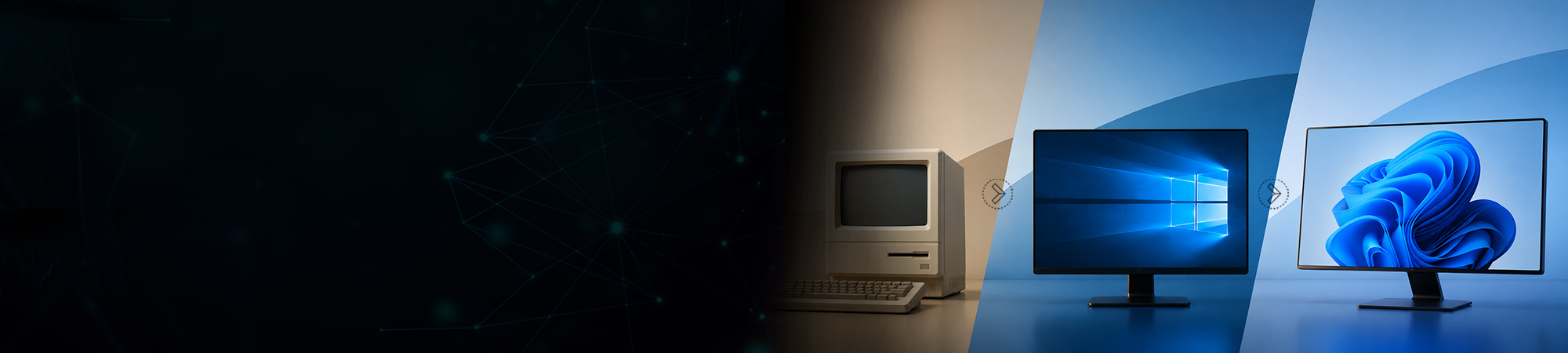
I’m a little reluctant to give away my age, but I’m old enough to admit that I started working with Windows Version 1.0 way back in 1985. I have personally experienced the ups and downs that many customers have with the Windows family through the past 32 years and numerous editions.
Over time, two important actions resulted in Microsoft making Windows 10 its last edition. You see Microsoft realized that most customers and companies dislike or skip every other version, and the release schedule was too quick for most corporate accounts.
Windows XP, released in August of 2001, was one of Microsoft’s most successful products. However, when Windows Vista was released in November of 2006, it did not go so well. Vista had many compatibility problems, and the interface added a stronger security aspect that users were not used to managing. For these reasons many corporate and home users decided to skip Vista and await the next Windows release.
Windows 7, released in July of 2009, fixed all the issues, and users loved the product. Many corporate accounts and home users made the jump to Windows 7 and were set for years to come. But in order to stay competitive with the client O/S market, Microsoft needed to move forward and release the next edition, which we all remember for its terrible touch interface.
Windows 8 hit the market in August of 2012 and most people could not get used to the new touch interface with large active tiles. It was also missing the start button, and sales did not do well. Microsoft had to rush out an updated release of Windows 8.1 in order to quickly address many of the pain points.
As everyone was awaiting the release of Windows 9, Microsoft threw everyone a curve ball and announced they were jumping to version 10. Not only were they skipping an entire version, but they were also moving to an even quicker release schedule. The quick release schedule proved to be a disaster for hardware OEMs that ship new PCs and laptops because the units on their shelves were out of date in months rather than the 2 to 3 years the previous Windows release schedule afforded them.
The fact that everyone typically skips every other edition combined with the quicker releases caused havoc on hardware OEMs, and it was clear the solution was to simply say that Windows 10 was the last edition.
The main name will always be Window 10, however under the hood there will be build versions. What most people don’t realize is that the current edition would technically be Windows 13 with the next major release due this fall – Windows 14! Think about direct OEMs like HP, Lenovo and Dell having new PCs with a mixture of Windows 10, 11, 12, 13 and now 14 (all within the time frame of just over 2 years). That simply would not work, so they have stuck with the Windows 10 name and only changed the build version:
The challenge for those building and selling new systems, including OEMs that build dedicated appliances, is to understand and keep track of which build falls under which service branch, and to stay on top of the code names that Microsoft uses for the major updates. I have created this quick reference chart to help identify the builds, versions and code names:
In response to feedback for a more predictable feature update model, Microsoft is now moving to a new biannual release cadence called the Semi-Annual Channel that replaces the Current Branch (CB) and Current Branch for Business (CBB). Windows is now aligned with Office 365 to simplify IT deployment cycles, targeting releases in March and September. Both feature releases will be serviced for 18 months from the date of release. The 1703 Creators Update marks the first of the Semi-Annual Channel releases.
As a bonus, the other area that typically gets discussed along with Windows releases is Intel chipsets and support for each edition of Windows. Intel, just like Microsoft, uses code names for the processor chipsets, and they must work in conjunction with Microsoft for driver and chipset support.
I’ll be covering Windows support for older Intel chipsets in greater detail in a future blog, but for now, here’s a handy reference chart:
Keeping track of supported Intel chipsets and staying in tune with Microsoft build versions can be a full time job, so let our Arrow team assist you with any of your Microsoft or Intel questions.